
An anti fatigue mat standing desk setup can feel like a small upgrade, until you stand on a hard floor for an hour and realize your feet, knees, and lower back are doing extra work.
If you use a standing desk for focused work, long calls, or creative tasks, a mat often becomes the difference between “I can stand sometimes” and “standing is actually part of my day.” The catch is that not every mat helps in the same way, and the wrong one can slide, curl at the edges, or feel oddly mushy.
This guide breaks down what matters in real life: materials that hold up, thickness that supports without wobble, edge design that won’t trip you, and how to match a mat to your floor and shoes.
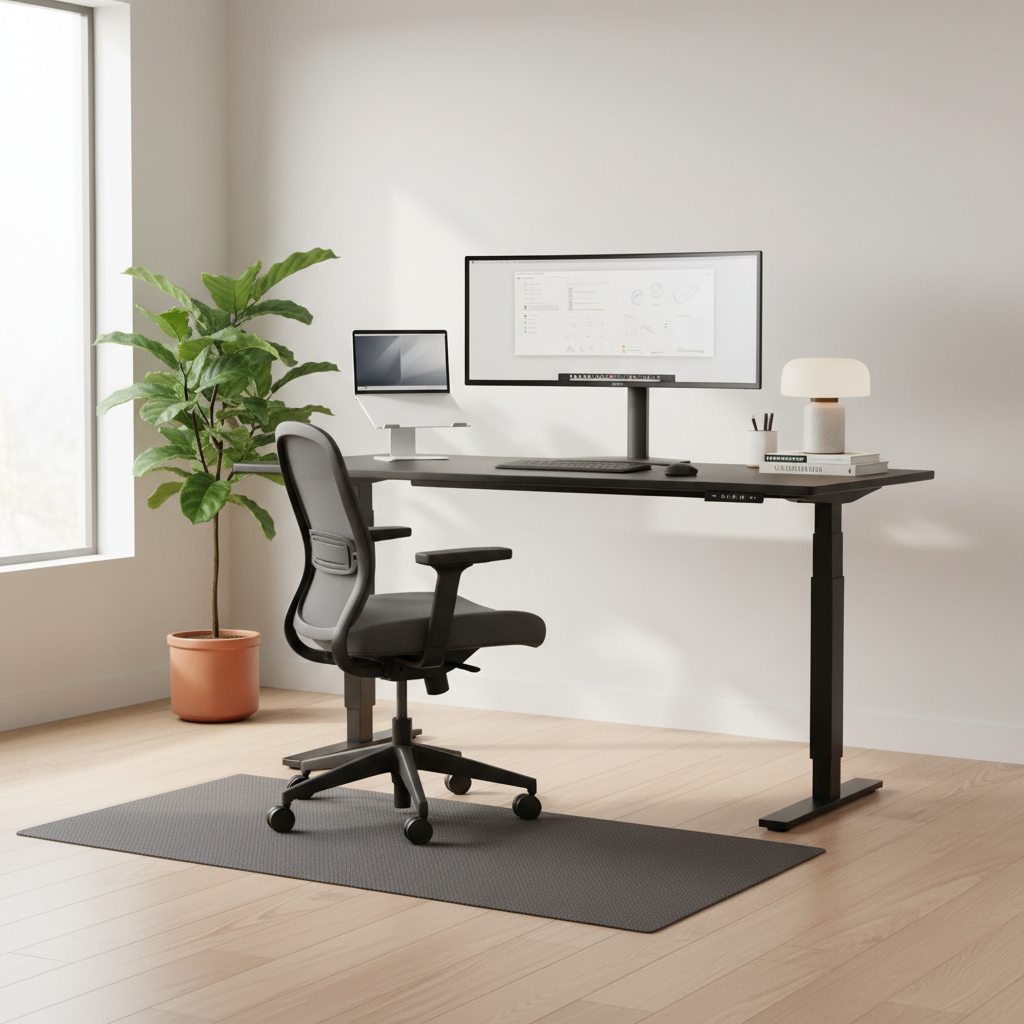
What an anti-fatigue mat actually does (and what it doesn’t)
The point of an anti-fatigue mat is subtle: it encourages small, constant muscle activity in your feet and legs, which can reduce the “static standing” feeling that shows up as aching heels, tight calves, or a dull lower-back fatigue.
According to OSHA (Occupational Safety and Health Administration), prolonged standing can contribute to discomfort and musculoskeletal issues, and anti-fatigue mats are commonly recommended as one control measure in standing work areas. That doesn’t mean a mat fixes everything, but it can be a practical lever you can pull quickly.
What it won’t do: replace good posture, eliminate the need to alternate sitting and standing, or compensate for a desk that’s too high. If your monitor height, keyboard position, or footwear is off, you can still feel sore even with a great mat.
Why standing at a desk feels tiring faster than you expect
Many people assume standing equals “more active,” so it should feel easier than sitting all day. But standing still is its own kind of strain, especially on hard surfaces like concrete, tile, and some laminate floors.
- Pressure concentration: your bodyweight loads the same few points for long stretches, mainly heels and forefoot.
- Micro-immobility: when you focus, you stop shifting, and your legs do less circulation-friendly movement.
- Floor hardness: harder floors reflect force back into joints, which is why kitchens, garages, and office buildings feel unforgiving.
- Shoe mismatch: minimalist shoes, worn-out sneakers, or bare feet can change how much a mat helps.
So if your standing desk phase keeps ending early, it’s usually not “lack of willpower,” it’s a setup issue.
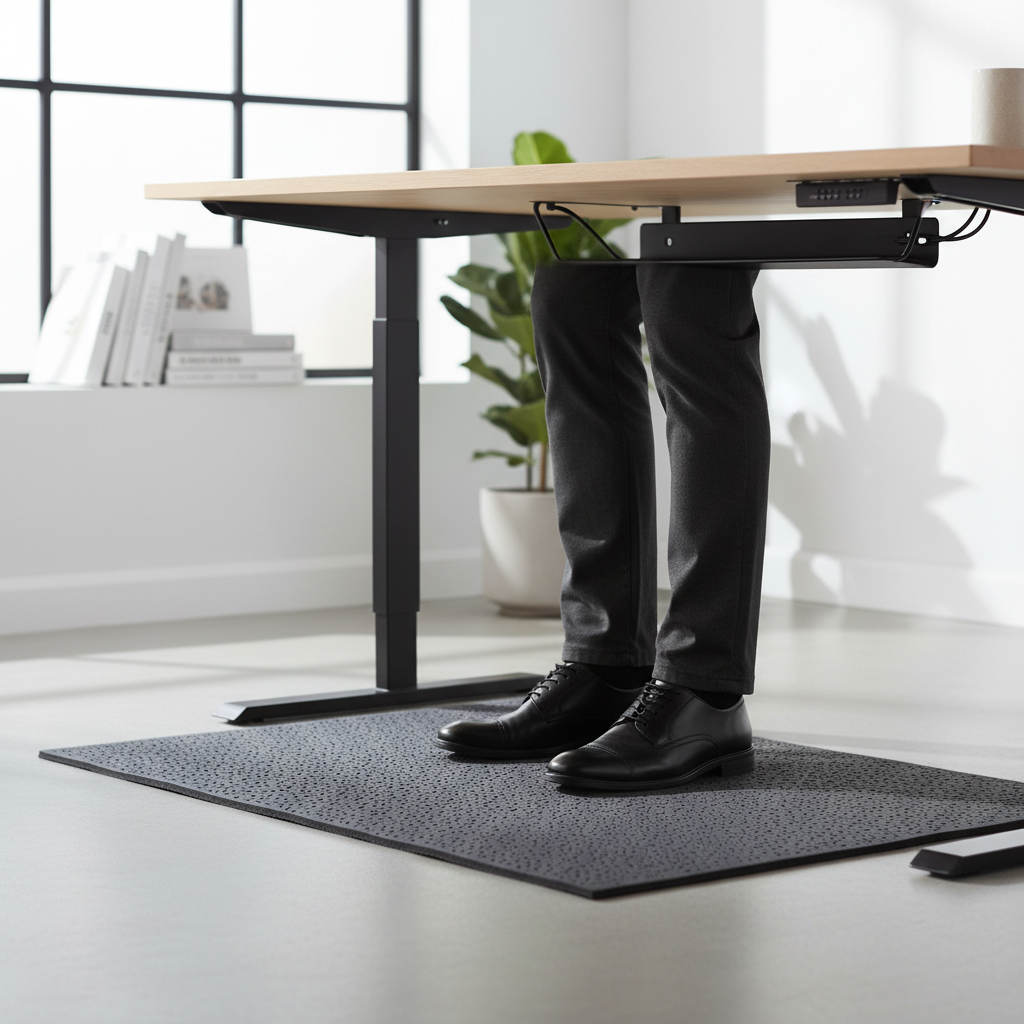
Quick self-check: do you actually need a mat?
If you’re on the fence, use this as a fast reality check. You don’t need to “power through” discomfort to earn a mat.
- You stand more than 30–60 minutes at a time and notice foot or heel soreness
- Your calves feel tight after standing calls or meetings
- You shift your weight constantly to escape pressure points
- You work on tile, concrete, or thin carpet over hard subfloor
- You avoid using your standing desk because it feels uncomfortable
If you checked two or more, an anti fatigue mat standing desk purchase is usually more “ergonomics basic” than “nice-to-have.”
How to choose the right mat: thickness, material, size, edges
Specs matter here, but not in a flashy way. You’re balancing support, stability, and safety.
Thickness: don’t chase “as thick as possible”
For most desk setups, about 3/4 inch to 1 inch is a comfortable range. Thinner mats can feel like a yoga mat on hard flooring, thicker mats can feel bouncy and make you subtly “brace” to stabilize.
- If you type a lot and want stability, lean slightly firmer.
- If you mainly stand for calls and light tasks, a bit more cushion can feel good.
Material: the feel and durability live here
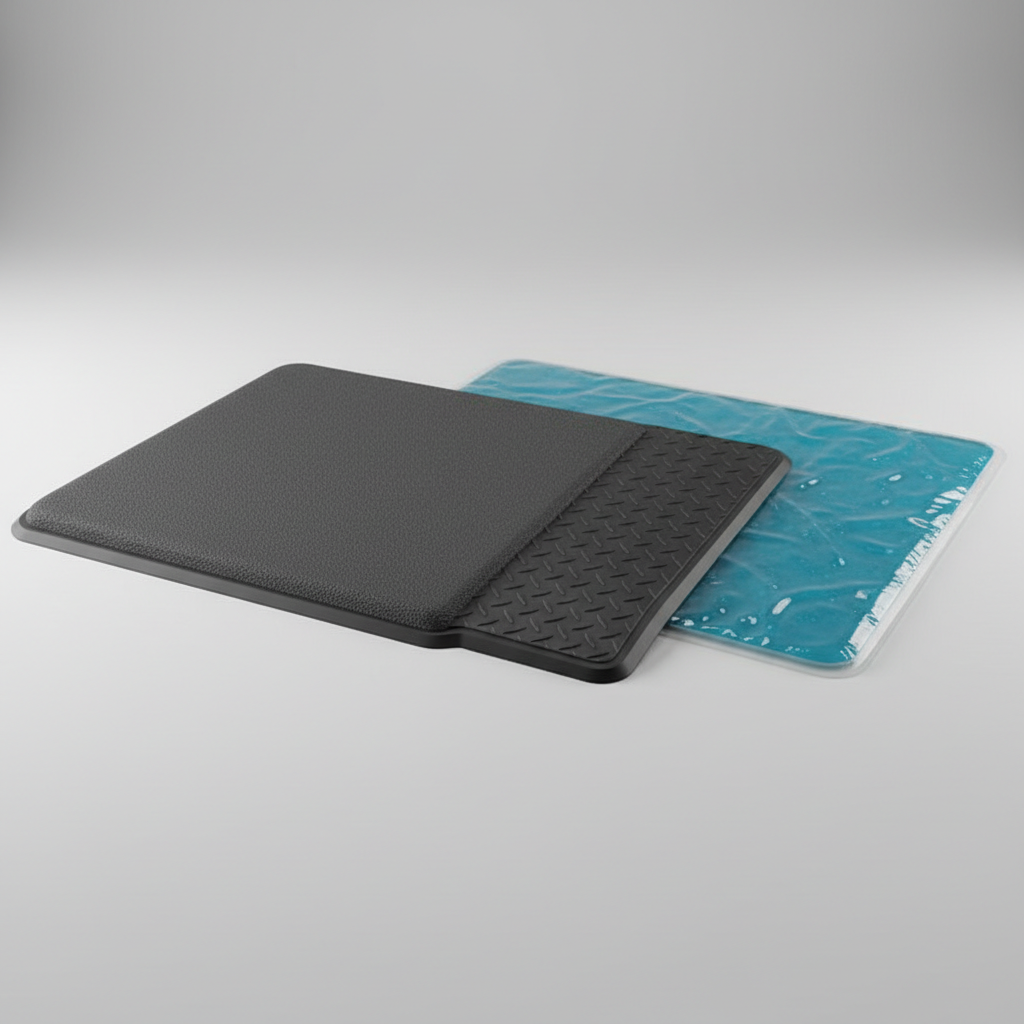
- PU foam: common for office mats, comfortable, can compress over time depending on quality.
- Rubber: durable and grippy, often heavier, can have a stronger odor at first in some products.
- Gel blends: can feel plush, but quality varies, some end up uneven or too soft.
Size: match your stance, not your desk width
A common mistake is buying a mat that looks big online but feels narrow once you start shifting. If you naturally move your feet, consider a wider mat so you don’t step off the edge every few minutes.
- Small spaces: ~20" x 30" can work if you stand fairly still
- More movement: ~24" x 36" is often a comfortable sweet spot
Edges and bevel: safety beats aesthetics
Look for beveled edges that lay flat, especially if you roll a chair nearby or step on/off frequently. Squared edges look clean but can increase trip risk in busy rooms.
A practical comparison table (what to buy for your situation)
This isn’t about picking a “winner,” it’s about avoiding mismatch. Use your floor, shoe habits, and standing time as the anchor.
| Scenario | What to prioritize | What to avoid |
|---|---|---|
| Hardwood or laminate at home | Non-slip bottom, medium firmness, beveled edges | Very soft mats that creep or curl |
| Tile or concrete (very hard) | Slightly thicker support, durable material (rubber/quality foam) | Thin mats that bottom out fast |
| Low-pile carpet | Heavier mat, stable base, moderate thickness | Light mats that shift when you pivot |
| Standing in socks or barefoot | Smooth surface, easy-clean finish, moderate cushioning | Aggressive textures that irritate skin |
| Shared space, lots of stepping on/off | Wide bevel, high-visibility edge design, low trip profile | Tall edges and curled corners |
Setup tips that make a mat work better (real-world ergonomics)
Buying the mat is step one, but placement and desk setup decide whether it feels “instantly better” or “why is this awkward.”
- Center the mat where your heels land, not where the desk legs look symmetrical. Most people stand slightly offset.
- Check desk height again: if the mat adds 0.75–1", your elbows might end up too low, raising shoulder tension.
- Use shoes strategically: supportive sneakers can extend standing time, while very soft shoes plus a soft mat can feel unstable.
- Alternate positions: many people do better with short standing blocks (15–30 minutes) rather than one long push.
Key takeaway: an anti fatigue mat standing desk setup works best when your posture stays neutral, shoulders relaxed, wrists straight, and you can shift naturally without thinking about it.
Common mistakes that waste money (or make you more uncomfortable)
- Too soft on purpose: “plush” can feel amazing for five minutes, then your feet work harder to stabilize.
- Ignoring edge lift: curled corners look minor until you catch a toe while turning around.
- Buying the smallest mat: you end up stepping off it, then blaming standing itself.
- No cleaning plan: in kitchens or garages, textured mats trap dust and crumbs, then feel gritty.
- Standing longer to justify the purchase: discomfort is feedback, not a challenge.
When to consider professional help
If you have persistent heel pain, numbness, or sharp discomfort that doesn’t ease when you sit, it’s worth talking with a qualified clinician such as a physical therapist, podiatrist, or your primary care provider. A mat can reduce pressure, but it can’t diagnose issues like plantar fasciitis, nerve irritation, or gait problems.
Also consider help if you’ve adjusted desk height, tried different footwear, and the anti fatigue mat standing desk approach still leaves you sore within a short window. That pattern often points to a broader ergonomics mismatch.
Conclusion: a better mat won’t make you “stand all day,” but it can make standing doable
A good anti-fatigue mat is less about luxury and more about removing friction from your routine. Pick a stable thickness, choose a material that fits your floor and cleaning habits, and treat beveled edges as non-negotiable if you move around a lot.
If you want one action step today, measure the area where your feet actually land, then choose a mat size that lets you shift without stepping off. Small change, big difference.
FAQ
What thickness is best for an anti-fatigue mat at a standing desk?
Many people like something around 3/4" to 1" because it cushions without feeling unstable, but the “best” thickness depends on your floor hardness and how much you type versus stand casually.
Can an anti-fatigue mat help lower back pain from standing?
It can reduce discomfort for some people by encouraging small movements and lowering pressure, but back pain has multiple causes. If pain persists or feels sharp, a clinician can help rule out issues that a mat won’t address.
Do I need an anti-fatigue mat if I wear supportive shoes?
Sometimes shoes are enough for short standing blocks, but on hard floors the mat often adds comfort and reduces foot fatigue. Many users end up using both: supportive shoes plus a medium-firm mat.
Will a mat make my standing desk height wrong?
It might. Adding nearly an inch underfoot changes your elbow angle, so it’s smart to recheck keyboard height and monitor position after the mat arrives.
How do I stop my anti-fatigue mat from sliding?
Look for a grippy bottom material, clean dust off the floor, and avoid ultra-light mats on smooth hardwood. If sliding continues, a thin non-slip underlay can help, as long as it doesn’t create curled edges.
Are textured “massage” mats better than flat ones?
They can feel good for short periods, but some people find aggressive textures distracting or uncomfortable, especially barefoot. If you stand for focused computer work, flatter surfaces usually interfere less.
How long should I stand at a standing desk?
It varies by comfort and health status. Many people do well alternating sitting and standing in shorter intervals rather than trying to stand for hours, and it’s reasonable to adjust based on how your body responds.
If you’re trying to build a more comfortable standing routine and want a simpler path, focus on the full setup, desk height, footwear, and an anti fatigue mat standing desk choice that fits your floor and stance, then iterate after a week of real use.