
sanding drum rotary tool setups are one of the fastest ways to knock down rough edges, blend curves, and clean up inside cutouts when sandpaper alone feels slow or awkward.
But they also frustrate people for a simple reason, the drum can chatter, burn, or leave grooves if your grit, speed, or pressure is off by a little. That is why “smoothing” with a rotary tool is less about muscle and more about control.
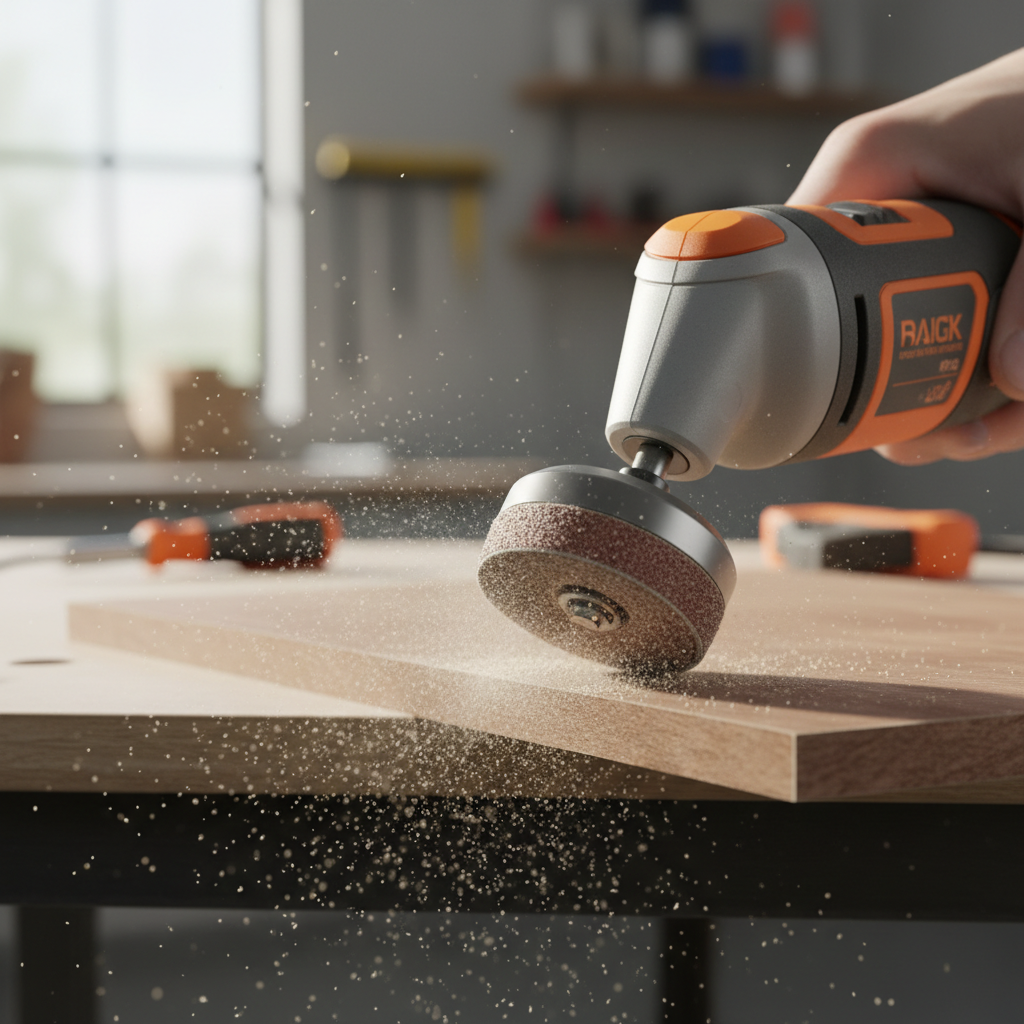
This guide breaks down what actually causes rough results, how to pick the right sanding drum and grit, and a practical method you can repeat on wood, metal, and plastic without overthinking it.
What a sanding drum does well (and where it disappoints)
A sanding drum is basically a small cylinder wrapped with abrasive, it removes material quickly and can reach shapes that a flat sanding block cannot. In real projects, it shines in three places.
- Inside curves and cutouts, like jigsaw openings, router templates, and coping joints.
- Edge easing and deburring, taking sharp corners down to a safer, cleaner profile.
- Spot leveling, blending a high spot where parts meet.
Where it disappoints is finish quality. A sanding drum rotary tool can get you close, but if you want a furniture-smooth surface, you often still step down to hand sanding, especially on flat faces where the drum can leave ripples.
Why your surface still looks rough after “sanding”
If the result looks fuzzy, wavy, or scratched in a way that feels worse than before, it usually comes from one of these real-world issues.
- Grit too coarse for the job, great for shaping, bad for final smoothing.
- Speed too high, which can melt plastic, burn wood, or load the abrasive with debris.
- Too much pressure, causing the drum to dig and bounce, especially on edges.
- Staying in one spot, creating flats, grooves, or heat marks.
- Worn or clogged sleeves, they stop cutting and start rubbing.
According to OSHA, abrasive tools can create airborne dust and flying debris, so eye protection and dust control matter even for “small” sanding jobs. If you sand painted surfaces or unknown materials, consider that some dust can be hazardous, when in doubt, consult a professional or test safely before generating dust.
Choosing the right sanding drum: size, grit, and sleeve type
Most users treat sanding drums as interchangeable, then wonder why control feels inconsistent. Matching the drum to the task makes a bigger difference than most accessory packs suggest.
Quick selection table
| Task | Typical grit range | Drum size guidance | Common mistake |
|---|---|---|---|
| Remove heavy material / shape a curve | 60–120 | Larger drum when possible for stability | Trying to “finish” at 60 grit |
| Smooth edges after cutting | 120–180 | Medium drum for control | Pressing too hard on corners |
| Pre-finish smoothing (before hand sanding) | 180–240 | Use the biggest drum that fits the area | High RPM that polishes/burns |
| Plastic deburr / light cleanup | 180–320 | Smaller drum for tight spots | Heat buildup from lingering |
Two practical rules help. One, pick the largest diameter drum that fits the shape because it bridges dips and feels less twitchy. Two, treat coarse grits as shaping tools, if you want “smooth,” plan to move up in grit or switch to a different abrasive.
A fast self-check before you sand (saves most rework)
Before you spin up the tool, run through this checklist. It takes a minute, and it catches the reasons people chew up an edge.
- Is this a flat face? If yes, a drum can leave waves, consider flap wheels or hand sanding for the final passes.
- Can the workpiece move? If it can, clamp it. Movement turns smoothing into gouging.
- Do you need “shape” or “finish”? Shape starts coarser, finish starts finer and uses lighter pressure.
- Is there paint, resin, or adhesive? Those clog sleeves fast, have extras ready.
- Is the material heat-sensitive? Plastics and some finishes need lower speed and quicker passes.
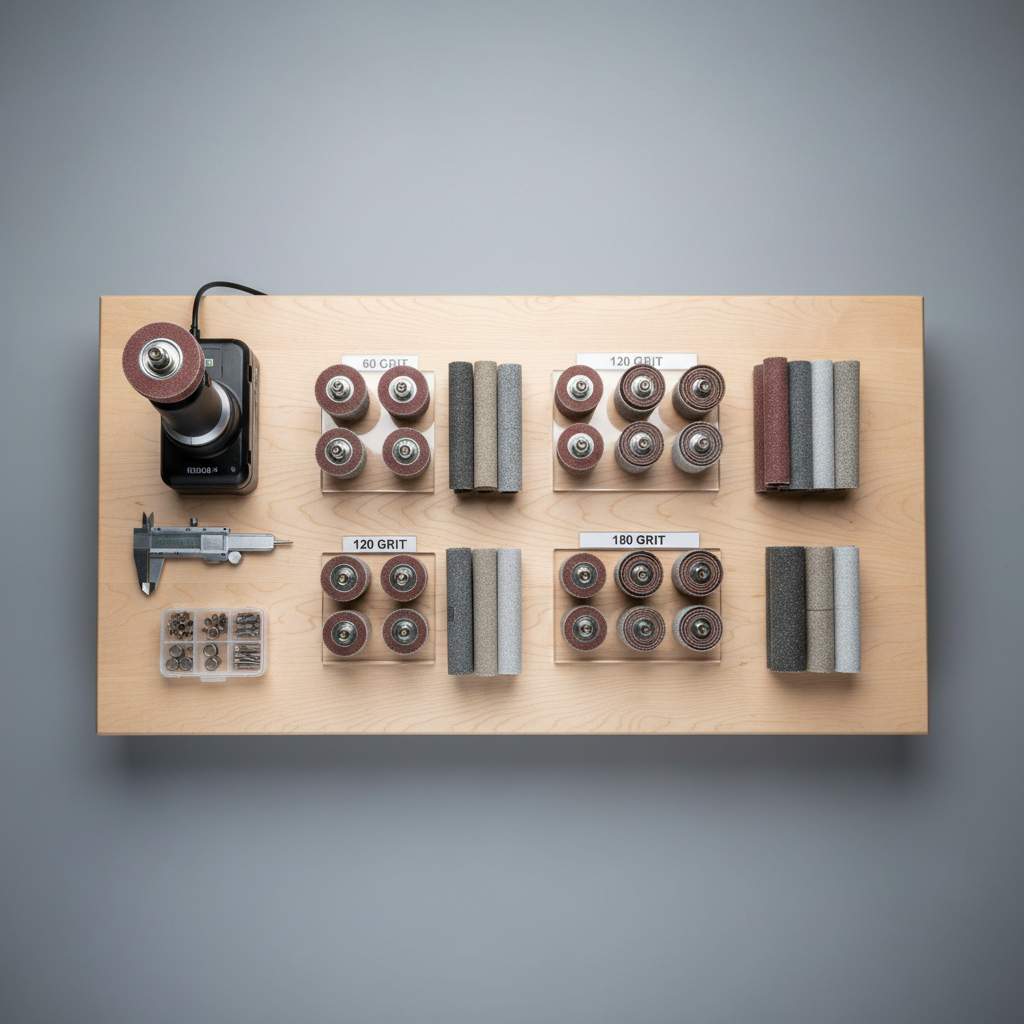
If you answer “I want a finished look” but you only have 60–80 grit sleeves on hand, that mismatch alone explains a lot of disappointing results.
Step-by-step: smoothing with a sanding drum without gouging
This is the repeatable method that tends to work across materials. The goal is consistent contact, low heat, and controlled removal.
1) Set up for control
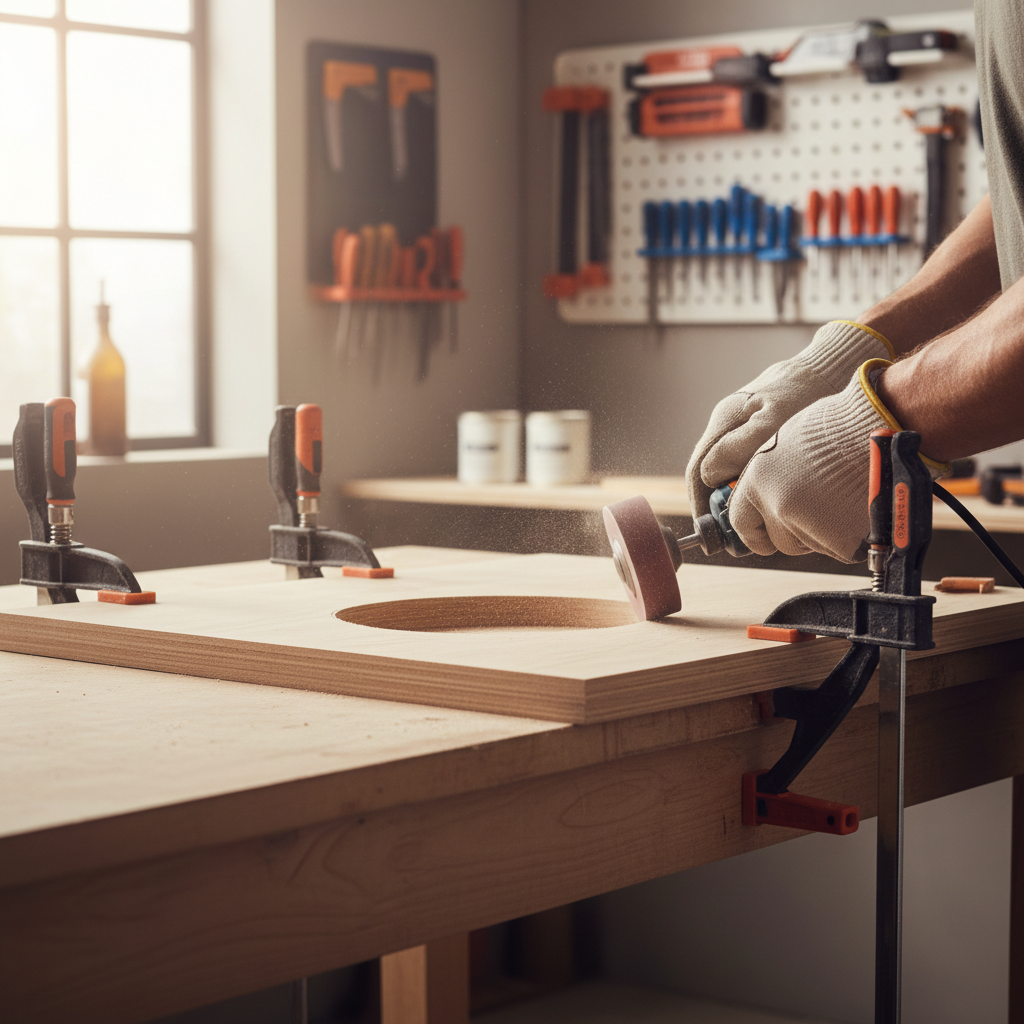
- Clamp the work, especially narrow boards, small parts, or anything round.
- Hold the rotary tool like a thick pencil, not like a hammer, it improves micro-control.
- Stand so you can move your forearm smoothly, not just your wrist.
2) Start with a conservative speed
Many variables-speed tools do fine in the mid range for most smoothing. If you see burning, melting, or instant clogging, dial down and lighten up. If the drum stalls, you are pushing too hard or your grit is too fine for the amount of stock removal.
3) Use “brush passes,” not “parking”
- Keep the drum moving, overlapping passes like you would mow a lawn.
- Let the abrasive cut, avoid leaning into the edge.
- On corners, touch, move, lift. Corners punish hesitation.
4) Step up grit earlier than you think
For smoothing, jump from shaping grit to a finer sleeve as soon as the main unevenness is gone. Many people keep grinding with coarse sleeves until the shape looks good, then realize they created deep scratches that take forever to remove.
5) Finish with a complementary tool
A sanding drum rotary tool is great for getting close, then you usually finish with one of these:
- Hand sanding with the grain on wood, especially on visible faces.
- Scotch-Brite style abrasive pads for blending without sharp scratch lines.
- Flap wheels for a softer touch on contours.
Material-specific tips: wood, metal, plastic
The same accessory behaves differently depending on material, mostly because of heat and how the surface shows scratches.
Wood
- Keep passes light, wood burns surprisingly fast when you linger.
- If you see fuzzy fibers, go up in grit and finish by hand with the grain.
- For inside corners, consider switching to smaller diameter drums to avoid flattening curves.
Metal
- Expect faster sleeve wear, keep spares ready.
- Deburring edges often works better at moderate speed with steady movement.
- If heat becomes an issue, pause and let the part cool, hot metal can burn skin and can change some finishes.
Plastic
- Lower speed and lighter pressure reduce melting and “smearing.”
- Use finer grits sooner, coarse grits can chip or leave deep gouges.
- Clear plastics show scratches easily, plan a multi-step grit progression.
Common mistakes (and the simple fix)
- Trying to “finish” with one grit: plan at least two grits if appearance matters.
- Using the edge of the drum like a cutter: keep contact broad, edges dig.
- Ignoring sleeve condition: if it looks glazed or packed, replace it, cleaning only goes so far.
- No dust strategy: wear eye protection, consider a dust mask or respirator based on material, and keep your workspace ventilated.
According to NIOSH, controlling dust exposure can reduce health risks in many work settings. If you are unsure what dust you are making, or you have respiratory conditions, it is reasonable to ask a professional about appropriate respiratory protection.
Key takeaways and a practical plan
If your goal is a clean, smooth edge, the best plan is simple, pick the right diameter drum, start with a sensible grit, use light moving passes, then refine with a finer abrasive or hand sanding.
- Use the biggest drum that fits for steadier smoothing.
- Keep the drum moving to avoid grooves and heat marks.
- Step up grit sooner instead of forcing coarse scratches to “disappear.”
- Finish intentionally, drums are great for shaping and blending, not always for final surfaces.
If you want one action to take today, stock a small range of sleeves, for many people that means something like 120, 180, and 240, and commit to swapping instead of overworking a single grit.
FAQ
What grit sanding drum should I use for smoothing wood?
For edge smoothing, 120–180 often works well, then hand sand with a finer grit if the surface will be visible. If you start at 60–80, expect deeper scratches that take extra time to remove.
Why does my sanding drum leave circular grooves?
Grooves usually come from holding the tool in one spot, using too much pressure, or using a drum that is too small for the curve. Lighter, faster passes and a larger diameter drum often reduce the pattern.
Can a sanding drum rotary tool replace a detail sander?
Sometimes for small inside curves, yes. On larger flat areas, it often falls short because the round drum can create waviness, a detail sander or sanding block tends to produce a more even finish.
What speed should I run a sanding drum on a rotary tool?
It depends on material and grit, but many smoothing tasks work best at a moderate speed where the abrasive cuts without heating the surface. If you see burning or melting, dial down and reduce pressure.
How do I stop sanding sleeves from clogging?
Avoid excessive speed and pressure, both can melt resin or smear material into the abrasive. For pitchy wood or adhesive residue, having spare sleeves is often more efficient than trying to rescue a clogged one.
Is it safe to sand painted surfaces with a rotary tool?
It can be risky because older paints may contain hazardous materials, and sanding creates fine dust. If you do not know what the coating is, consider testing, using appropriate PPE, and consulting a professional for safe handling.
Why does my drum keep slipping or coming loose?
That usually points to a worn sleeve, incorrect sleeve size, or an expansion drum not tightened enough. Double-check compatibility, seat the sleeve fully, then tighten to the tool’s guidance without overtightening.
If you are trying to get smoother results but keep bouncing between too aggressive and too slow, it may help to build a small “smoothing kit” around your rotary tool, a few drum sizes, a sensible grit range, and one finishing option like flap wheels or abrasive pads, it is a more predictable setup than buying random mixed packs.